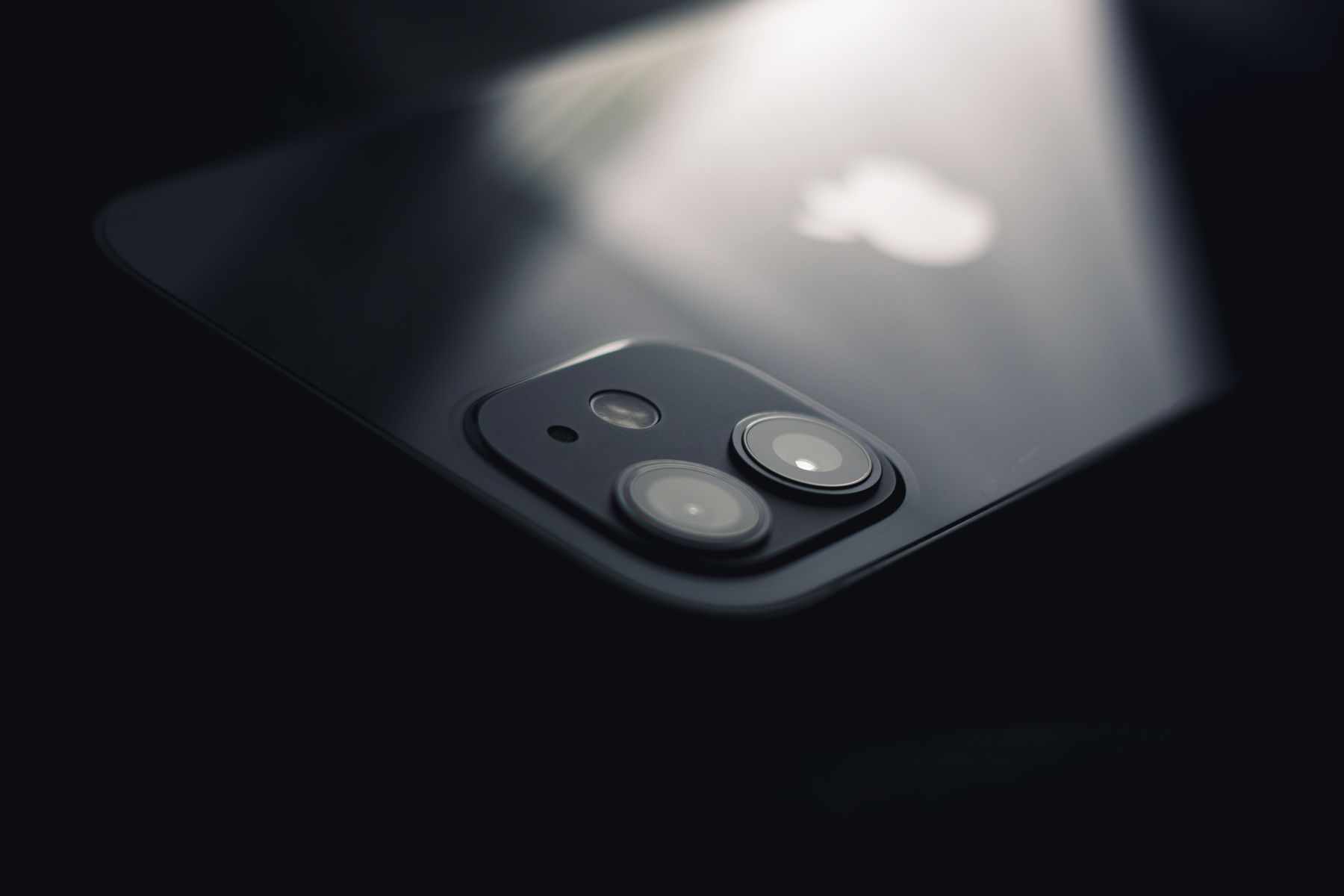
If the outer camera glass is cracked but the camera still works, repairing the lens cover early can help protect the camera module. If photos are blurry, have dark spots, fail to focus, or the camera shakes after a drop, the internal camera may also need diagnosis.
Phone cameras sit close to the outer surface of the device, which makes the lens cover vulnerable when a phone lands on its back. A tiny chip may not seem urgent, but camera damage can affect image quality and leave a sensitive area of the device less protected.
How to tell whether the lens cover is damaged
Inspect the camera area under bright light. Cracks in the outer cover are often visible even when the camera app still opens normally. Compare each rear lens because one camera may be affected while the others remain clear.
Common symptoms after camera lens damage
- Photos look blurry even after wiping the lens.
- Bright lights create unusual streaks or flare.
- Dark spots appear in the same place in multiple photos.
- The camera struggles to focus.
- You can hear or see abnormal shaking when the camera opens.
Do not put liquid cleaner into a cracked lens area
If the outer glass is broken, avoid spraying cleaner directly onto the camera. Apply any appropriate screen-safe cleaner to a microfiber cloth instead, and keep moisture away from the crack.
The protective lens cover and the camera module underneath are different parts. Replacing damaged outer glass may be enough when the camera itself still focuses and produces clean images. Impact damage to the module requires a different repair.
Can you keep using the camera?
You may still be able to take photos, but repeated handling can allow the crack to spread or the damaged cover to collect dirt. If a piece of glass is missing, the risk of contamination is greater.
When professional inspection is a good idea
Schedule an inspection if image quality changed immediately after the drop, the camera will not focus, the housing is bent, or the broken area is close to multiple camera lenses. A technician can determine whether the issue is limited to the lens cover or involves the camera itself.
Mobile phone camera repair around Orland Park
Fixbulance repairs a range of common smartphone hardware issues. Start with our repair services, call (708) 737-2873, or book online to check options for your model.
Need help with your phone?
Fixbulance provides mobile device repair in Orland Park and eligible nearby communities. Check your repair options or book online.
Common questions
Why are my pictures blurry after I cracked the camera glass?
Cracked glass can scatter light, trap debris, or indicate impact damage to the camera module. Cleaning the outside will not correct physical damage.
Can only the camera lens cover be replaced?
On many models, the outer lens cover can be serviced separately, but the repair method depends on the phone and extent of damage.
Should I use a camera lens protector after repair?
A compatible protector can add another sacrificial layer, but it should fit correctly and not interfere with image quality or flash performance.