USB-C plug will not seat fully
Pocket lint can pack into the bottom of the connector and make a good cable feel loose or stop before fully seating.
Samsung charging failures can come from the cable, power adapter, compacted lint, moisture detection, battery condition, damaged USB-C contacts or model-specific charging hardware. Fixbulance provides mobile Samsung Galaxy charging port diagnosis and repair in Orland Park, with replacement only when the port is actually the problem.
Choose a popular Galaxy model to continue to model-specific booking.

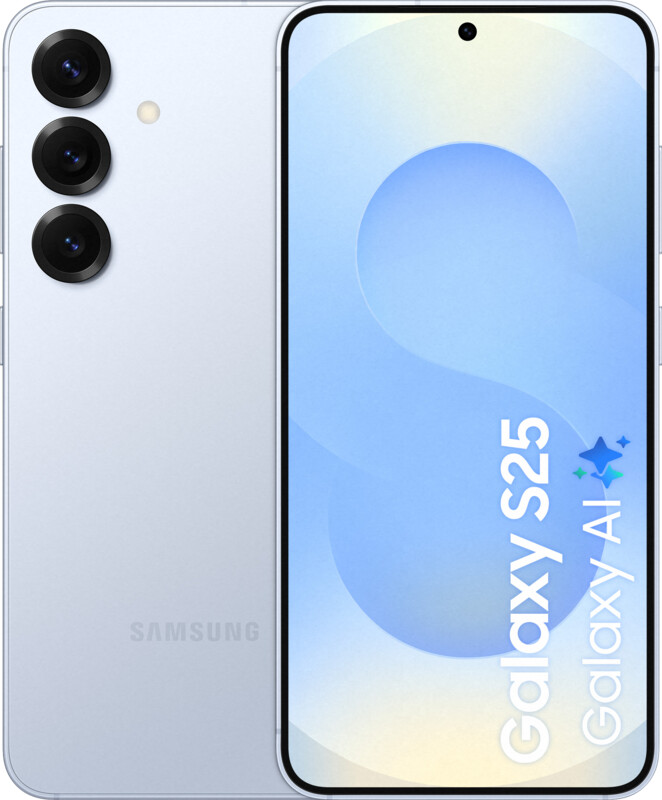

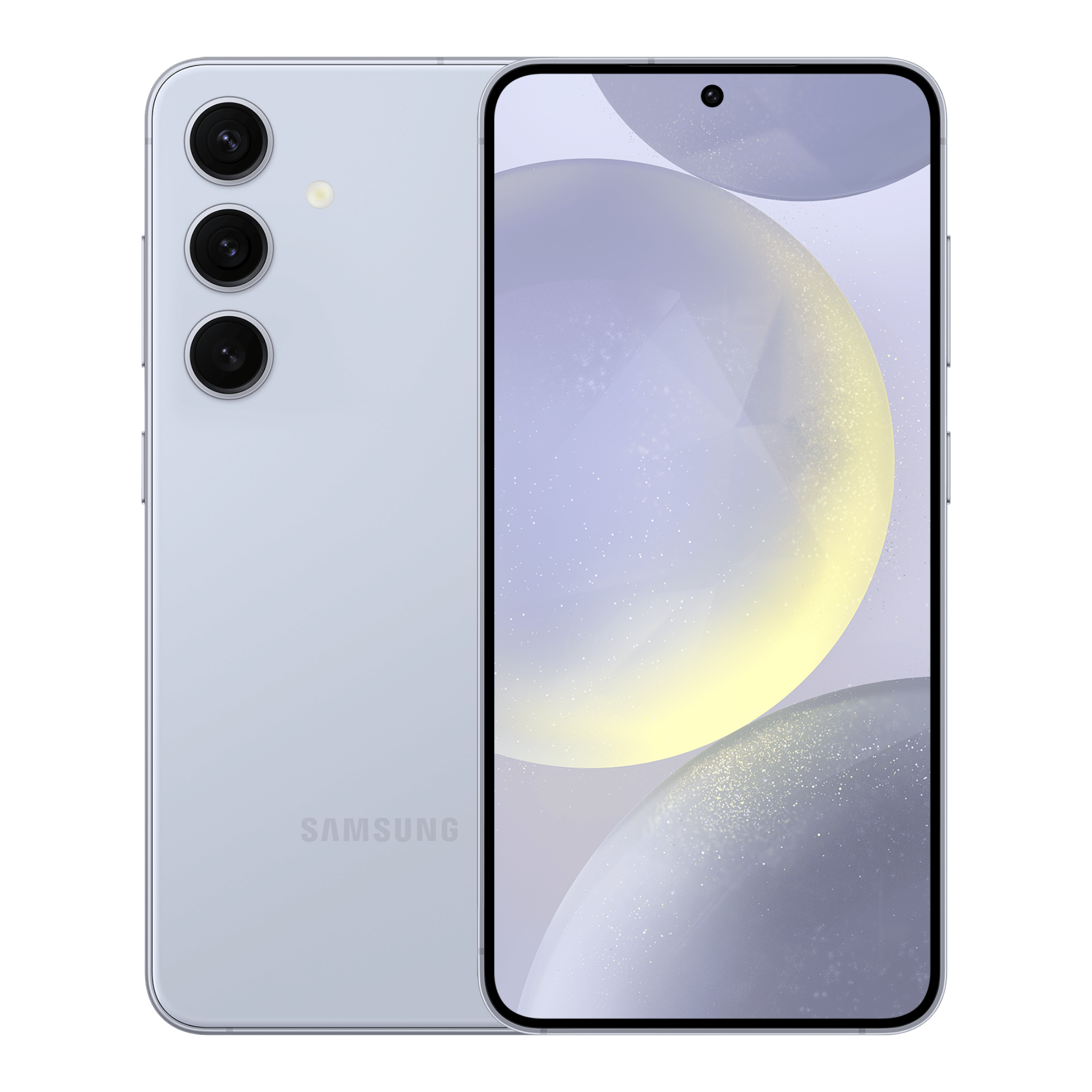
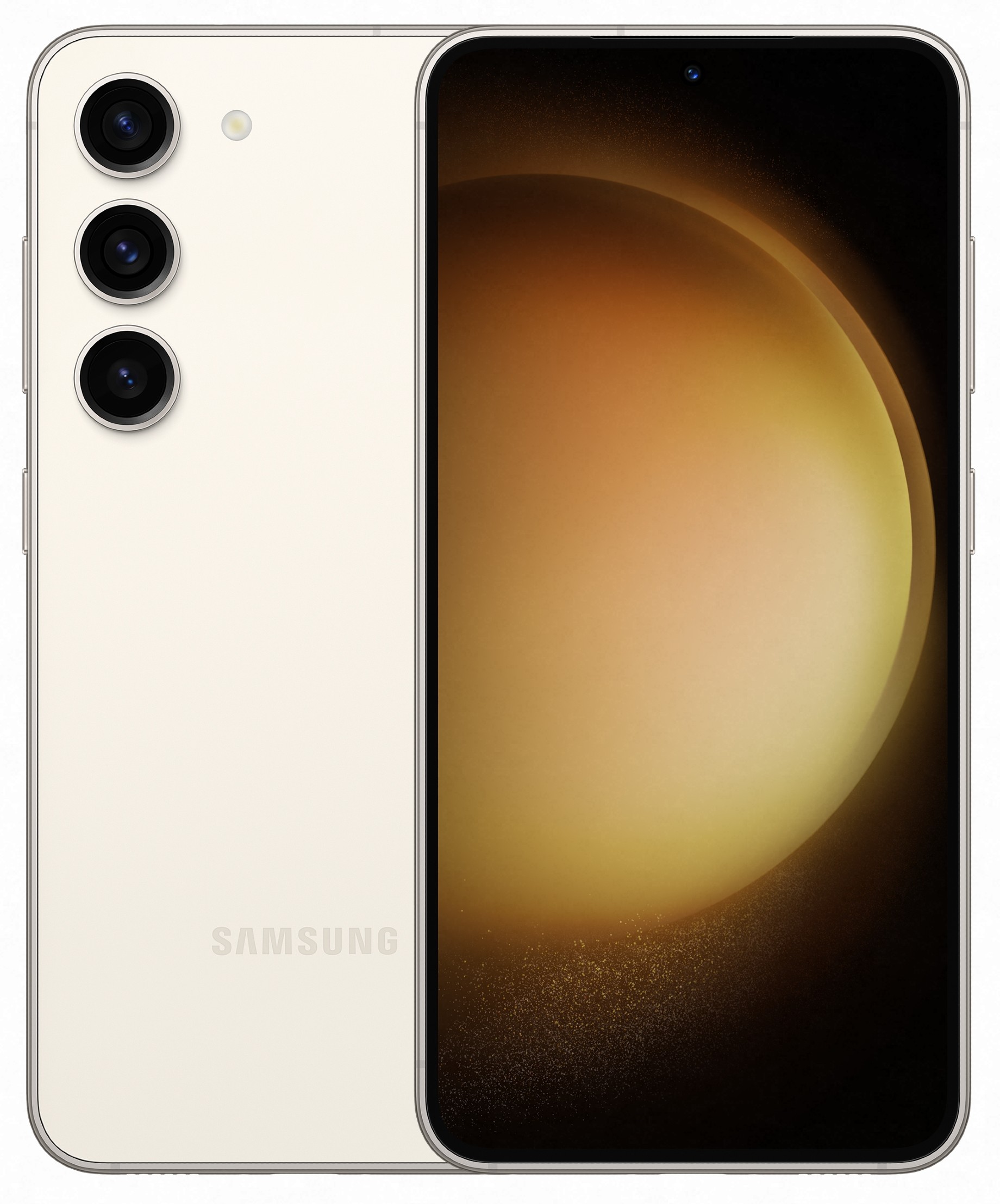

Six popular Galaxy models are shown here for faster booking. Use “See all Samsung models” if your exact Samsung phone is not listed.
A dirty Galaxy charging port can look like a failed port because the cable sits too shallow to make reliable contact. Cleaning is appropriate when debris is the cause; hardware replacement is appropriate when contacts or the charging assembly are damaged.
Pocket lint can pack into the bottom of the connector and make a good cable feel loose or stop before fully seating.
Movement-sensitive charging can indicate debris, worn contacts, cable damage or mechanical wear inside the port.
Allow the connector to dry naturally and avoid forcing wired charging. Persistent warnings after the port is dry may require diagnosis.
On compatible Galaxy models, that comparison can help isolate the wired charging path, USB-C port or cable.
Cable rating, adapter capability, charging settings, temperature, battery condition and USB-C contact quality can all affect fast-charging behavior.
USB data failure can be related to the cable, port contacts, debris or internal charging/USB hardware even when some charging still works.
Samsung uses different display assemblies, batteries, frames and charging hardware across Galaxy generations. Selecting the exact model before the appointment reduces part mismatch and helps determine whether the repair can be completed on-site.
This Samsung cluster links repair intent, troubleshooting content, customer proof and local service coverage instead of leaving each page isolated.
Yes, when compacted debris is the cause and the connector is otherwise healthy. Cleaning should be done carefully without metal scraping that can damage the contacts.
A port issue often causes angle-sensitive charging, a loose connector, wired-only failure or intermittent connection. Battery wear more often shows poor runtime, shutdowns or swelling. The symptoms can overlap.
Many supported Galaxy S and A models can be serviced, but the charging assembly differs by model. Select the exact phone in booking so the correct part can be confirmed.
Disconnect the cable and allow the USB-C area to dry naturally. Do not insert metal objects or apply liquid cleaners. If the warning persists after the port is fully dry, arrange diagnosis.
On models that support wireless charging, yes. If wireless charging works while several known-good USB-C cables fail, that is useful diagnostic information but does not prove the port is the only possible fault.
Only when the charging port or related assembly is the cause. The charger, cable, battery, temperature, software settings and board-level faults can also affect fast charging.
Select a popular model above or open the complete Samsung smartphone selector to see every Galaxy currently available in the booking system.
Repair availability, part option, pricing and appointment timing depend on the exact Galaxy model, condition, current inventory and service location.
Fixbulance serves Orland Park and nearby communities with mobile phone, tablet, and watch repair. View our business location below or open Google Maps for directions.
Get Directions →