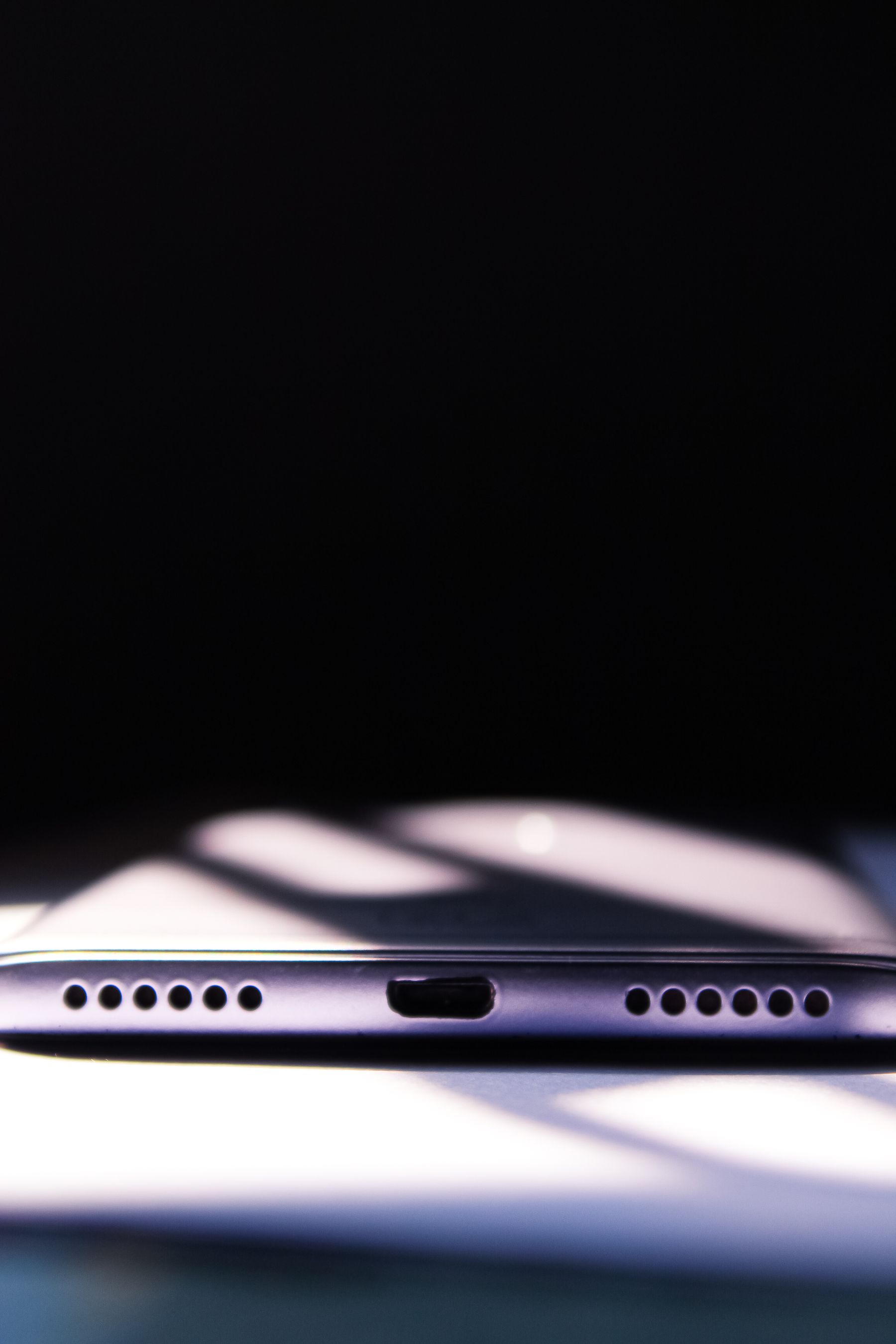
If your phone only charges when the cable is held at a certain angle, repeatedly disconnects, or will not recognize multiple known-good chargers, the charging port may be dirty, worn, or physically damaged. Start with the cable, power adapter, and a visual inspection before assuming the port must be replaced.
Few phone problems are more disruptive than plugging in at the end of the day and realizing the battery percentage is not moving. Charging failures can come from something as simple as a damaged cable, but they can also point to debris, liquid exposure, battery problems, or wear inside the charging port.
1. Start with the charging cable and adapter
Before blaming the phone, test a second cable and wall adapter that you know work correctly. Cables can fail internally even when the outside looks normal, and power adapters can stop delivering stable power. If a different combination works immediately, the phone itself may be fine.
2. Check the port for lint and debris
Pocket lint can gradually pack into a charging port and prevent the connector from seating fully. One clue is that the cable feels loose or does not click into place the way it used to.
Sharp objects can damage contacts or create a short. If debris is compacted or difficult to remove safely, professional cleaning is a better option.
3. Look for the “charges only at an angle” symptom
If the phone starts and stops charging when the cable moves, the connector may be worn, bent, or damaged. This is one of the clearest signs that the issue may be mechanical rather than software-related.
4. Restart the phone and check for software issues
A temporary software problem can interfere with charging detection. Restart the device, install any pending operating-system updates, and test again. If the phone supports wireless charging, comparing wired and wireless charging can also help isolate the issue.
5. Consider battery condition
A worn battery can make charging appear unusually slow, cause sudden shutdowns, or produce inconsistent battery percentages. If the phone also drains quickly after it is unplugged, the battery may deserve attention alongside the charging port.
| Symptom | Possible cause | Good next step |
|---|---|---|
| No response with one cable | Bad cable or adapter | Test known-good accessories |
| Charges only at an angle | Debris or port wear | Inspect and professionally clean/test port |
| Very slow charging | Weak adapter, battery wear, heat | Test charger and battery health |
| Wireless works, wired does not | Port or cable problem | Test another cable, then inspect port |
6. Watch for liquid exposure or corrosion
Moisture in or around the connector can interrupt charging and may cause corrosion over time. If your phone displays a moisture warning, follow the manufacturer’s guidance and let the device dry naturally. Do not force a cable into a wet port.
7. Know when professional charging-port repair makes sense
If multiple cables fail, the connector is visibly damaged, or charging cuts in and out with small movements, professional diagnosis can determine whether the port needs cleaning, component repair, or replacement.
Fixbulance provides mobile device repair around Orland Park, so you can have the problem checked without spending part of your day waiting at a storefront. Review our repair services or book online for your specific model.
Need help with your phone?
Fixbulance provides mobile device repair in Orland Park and eligible nearby communities. Check your repair options or book online.
Common questions
Can a charging port be cleaned instead of replaced?
Yes. If compacted lint or debris is the cause and the contacts are still healthy, cleaning may solve the problem without replacing the port.
Why does my phone charge only when I hold the cable a certain way?
That usually points to poor physical contact caused by debris, a worn cable, or wear inside the charging port.
Can I keep using wireless charging instead?
Wireless charging can be a temporary alternative on compatible phones, but a damaged port may still matter for data transfer, wired charging, or future diagnostics.