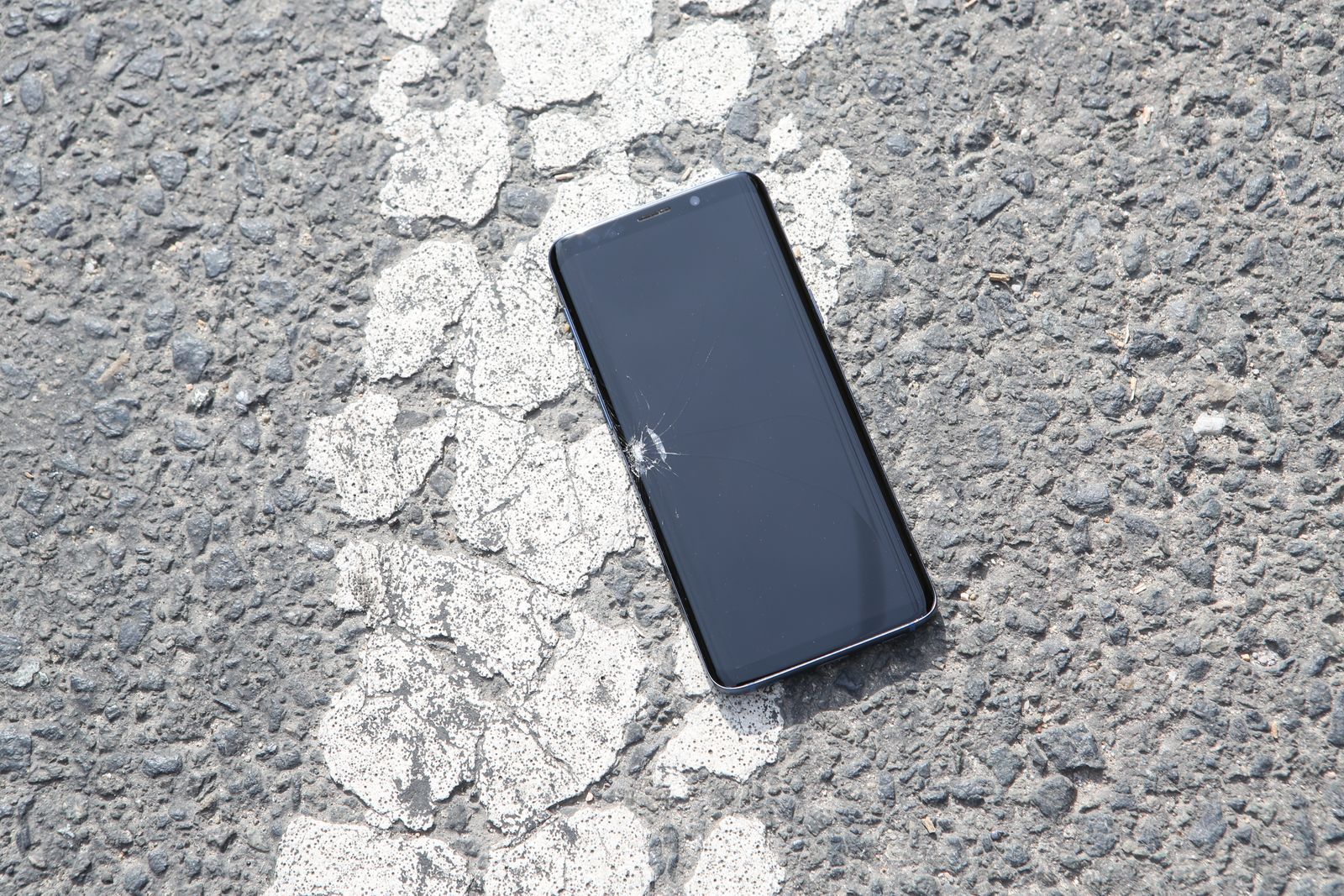
If the front display is cracked, flickering, black, or losing touch response, start with phone screen repair. Rear-panel damage belongs on the back-glass repair path. Charging problems after impact may need charging-port diagnosis, while rapid drain, shutdowns or swelling can point toward battery service.
A phone can keep working after a hard drop even when more than one component was affected. A crack may be limited to the outer glass, or the same impact can stress the display panel, rear housing, charging assembly, frame or battery. For customers looking for phone repair in Orland Park, matching the symptom to the right repair page is more useful than assuming the most visible damage is the only problem.
Front screen damage after a drop
Cracked front glass is the easiest damage to spot, but the display underneath matters just as much. OLED or LCD damage can create black areas, colored lines, flicker, dead pixels or a completely dark screen while the phone still rings or vibrates.
Signs the repair may involve the complete screen assembly
- Touch is unresponsive in part of the display.
- The phone registers ghost touches without being touched.
- Lines, blotches, flicker or discoloration appear after the impact.
- The screen lifts from the frame or no longer sits evenly.
Those symptoms belong on the dedicated Phone Screen Repair in Orland Park page, which then routes customers into the appropriate iPhone, Samsung Galaxy, or Google Pixel repair cluster.
Cracked rear glass is not always only cosmetic
Rear glass protects part of the phone housing and surrounds components such as cameras and wireless-charging hardware. A small hairline crack is different from missing pieces, sharp edges, a loose panel, or damage concentrated around the camera area.
If the impact is primarily on the rear housing, use the Phone Back Glass Repair in Orland Park page. That page separates back-glass damage from camera-lens, frame and battery-related symptoms.
Charging problems after an impact
A phone that stops charging after a drop does not automatically need a new charging port. A damaged cable, debris, moisture, a worn connector, battery problems, or a bent frame around the port can create similar symptoms.
Charging only at an angle, a cable that feels unusually loose, repeated disconnects, or failure of wired data accessories can justify closer port inspection. Use the Phone Charging Port Repair in Orland Park page for the next step.
Battery warning signs after a hard drop
Impact does not automatically damage the battery, but new heat, rapid drain, unexpected shutdowns, swelling, or a display or rear cover beginning to lift should not be ignored. Those symptoms require more care than ordinary cosmetic damage.
When the main change is battery behavior, review Phone Battery Replacement in Orland Park. Battery wear still needs to be separated from charging, software and board-level problems before replacement.
Match the symptom to the correct repair page
| Symptom after the drop | Best page to check first |
|---|---|
| Cracked display, black screen, lines, flicker or touch failure | Phone Screen Repair |
| Cracked rear panel, sharp glass or loose back cover | Phone Back Glass Repair |
| Loose cable, intermittent charging or no wired connection | Charging Port Repair |
| Rapid drain, shutdowns, swelling or severe runtime loss | Battery Replacement |
| Multiple symptoms or uncertain damage | Phone Repair Hub |
When should you stop using the phone?
Stop charging or using the device when the battery appears swollen, the phone becomes abnormally hot, the enclosure is separating, or internal components are exposed. Do not force a lifted display or rear cover back into place.
Even when the damage appears limited to glass, water resistance should not be assumed after the enclosure has been cracked or opened.
Choose the exact phone before booking
Repair procedures and parts differ between phone generations. Screen assemblies, adhesives, charging-port designs, rear housings and battery access can change significantly from one model to another. Fixbulance therefore separates the broad Phone Repair in Orland Park hub from model-specific iPhone, Samsung Galaxy and Google Pixel pages.
Mobile phone repair in Orland Park
Fixbulance provides mobile repair for eligible devices in Orland Park and nearby communities. The repair setup comes to the customer rather than requiring a traditional walk-in visit. Exact availability depends on the model, required part, condition of the device and appointment schedule.
Not sure which repair your phone needs?
Start with the Phone Repair hub or contact Fixbulance with the exact phone model, visible damage and symptoms.