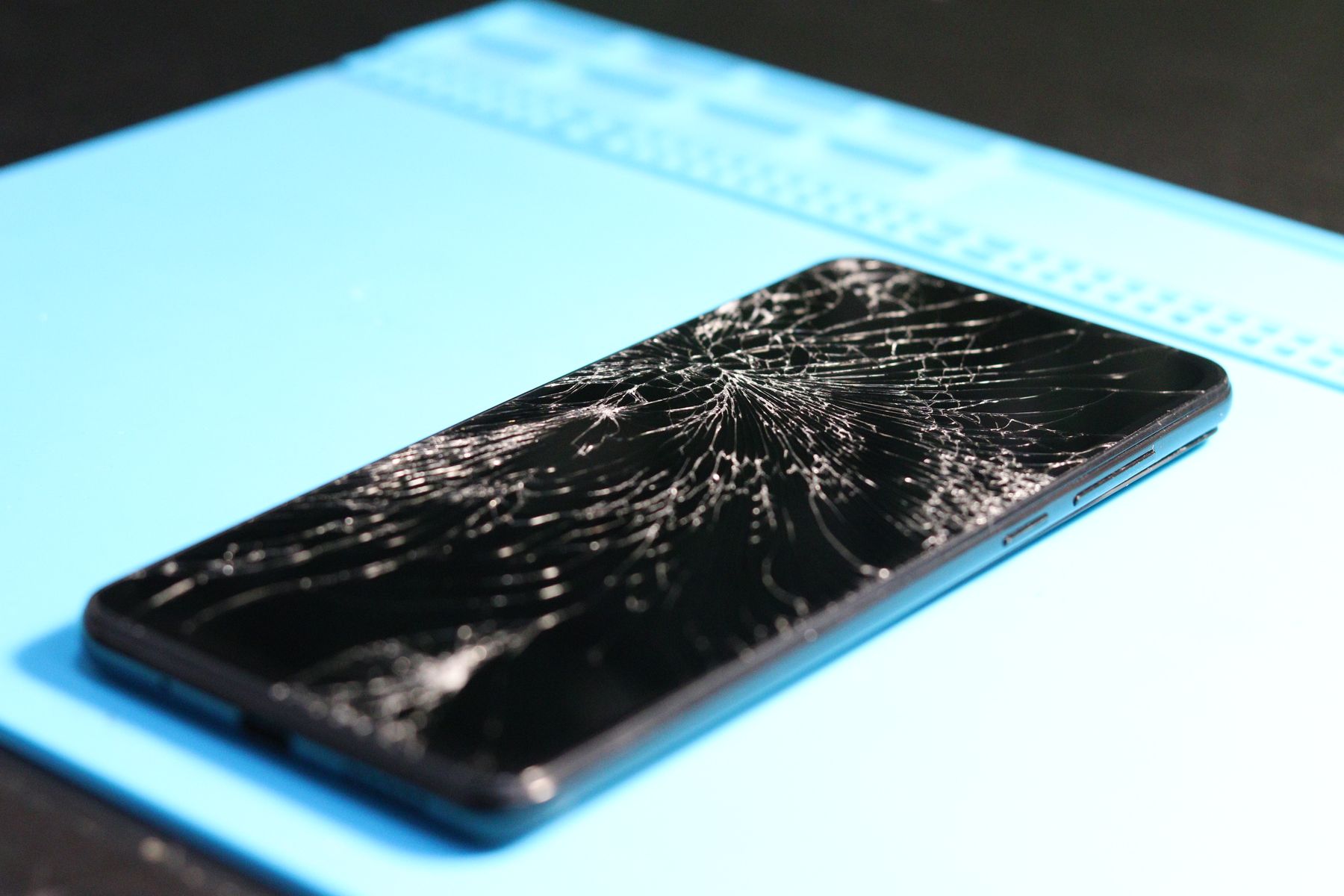
A Galaxy screen can have internal OLED damage even when the outer glass is not badly cracked. Persistent green or pink lines, black ink-like spots, flicker, dead areas, and touch failure are common reasons to have the display professionally tested.
Samsung Galaxy phones are known for bright OLED displays, but those panels are thin and can be damaged by drops, pressure, bending, or impact. Sometimes the glass tells the whole story. Other times, the glass looks almost normal while the display underneath is failing.
1. Vertical green, pink, or white lines
A persistent line that remains in the same place across apps can indicate display-panel damage or a connection problem. Restarting the phone is worth trying, but a line that began after impact should be taken seriously.
2. Black “ink” spots that spread
OLED damage can appear as a dark blotch beneath the glass. The spot may stay small or expand over time, reducing the usable portion of the display.
3. Flickering or flashing brightness
If the screen flickers, pulses, or changes brightness unpredictably after a drop, the display assembly may have been damaged. Software settings can also affect brightness, so compare the behavior before and after restarting the phone.
4. Touch works in some areas but not others
A phone can display an image while portions of the touchscreen stop responding. Test the entire screen using normal typing, scrolling, and app interactions rather than repeatedly pressing hard on an unresponsive area.
5. The display is visible but colors look wrong
Unusual tinting, washed-out sections, or colored patches after impact can point to panel damage. If screenshots look normal when viewed on another device, that is another clue that the physical display—not the software image—is the problem.
6. The screen is black but the phone is still running
If the phone vibrates, rings, or connects to a charger but the display remains black, the device may still be operating behind a failed screen.
Pressure will not repair dead pixels or reconnect a damaged panel and may worsen physical damage.
Glass-only damage vs. full display damage
| What you see | What it may mean |
|---|---|
| Cracked glass, image and touch normal | Outer damage may be the main issue |
| Lines, black spots, flicker | Likely internal display damage |
| No image but phone still responds | Display assembly or connection issue |
| Touch dead zones | Digitizer/display assembly damage |
Samsung screen repair in Orland Park
Fixbulance services supported Samsung Galaxy devices with mobile repair around Orland Park. Visit our Samsung Galaxy repair page, review the service area, or book online for model-specific options.
Need help with your phone?
Fixbulance provides mobile device repair in Orland Park and eligible nearby communities. Check your repair options or book online.
Common questions
Can an OLED line go away on its own?
A temporary software glitch can disappear after a restart, but a line caused by physical panel damage generally requires hardware service.
Does intact glass mean the OLED is safe?
No. Internal display layers can be damaged by impact or pressure even when the outer glass has little or no visible cracking.
Can I back up my phone if the screen is failing?
If touch and the display still work enough to navigate, back up important data as soon as practical. A rapidly worsening screen can become harder to use.