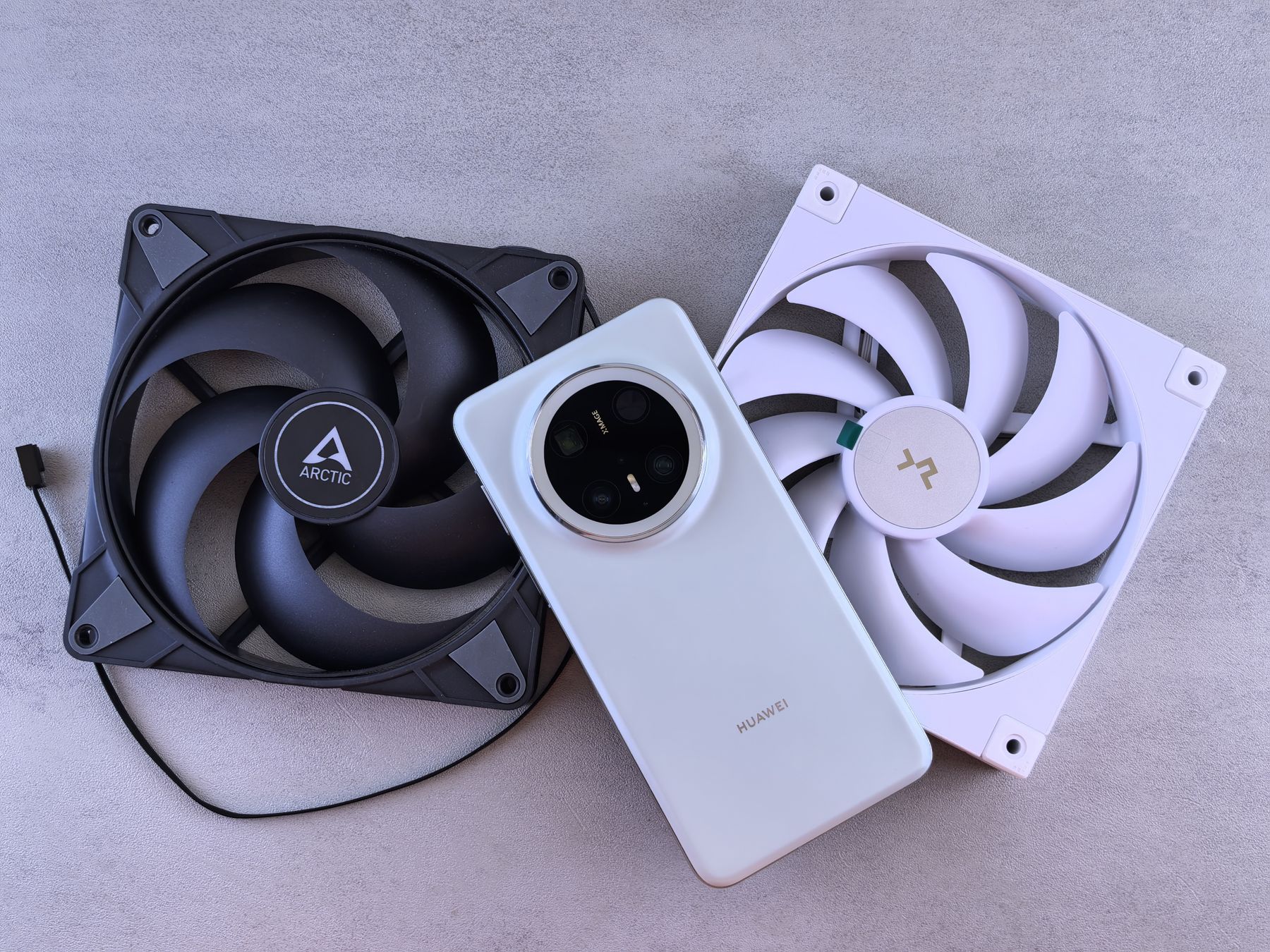
Phones can feel warm while gaming, navigating, recording video, or fast charging. Concern increases when the device becomes very hot during ordinary use, overheats repeatedly, shuts down from heat, or shows battery swelling or physical separation.
Smartphones contain powerful processors, radios, cameras, batteries, and charging circuits in a compact enclosure. Heat is a normal byproduct of using those components, but repeated or excessive heat can signal a problem worth investigating.
Common reasons a phone gets hot
Heavy apps and games
Gaming, video editing, navigation, high-resolution recording, and other demanding tasks can keep the processor active for long periods. The phone may feel warm until the workload drops.
Fast charging
Charging naturally generates heat, especially when using higher-power charging. Using the phone heavily while it charges can add more heat at the same time.
Poor signal
When cellular coverage is weak, the phone may work harder to maintain a connection. Navigation, hotspot use, and background syncing can increase that workload.
Background software activity
A recent update, cloud photo upload, app bug, or process stuck in the background can keep the processor busy even when you are not actively using the phone.
Battery or charging problems
A worn or damaged battery can contribute to abnormal heat. Repeated overheating during light use or charging should be checked, especially if battery life has also changed significantly.
What to do when your phone is unusually hot
- Stop charging the phone temporarily.
- Move it out of direct sunlight or a hot vehicle.
- Close demanding apps and let the device rest.
- Remove a thick case if it is trapping noticeable heat.
- Restart the phone once it has cooled enough to handle normally.
Extreme temperature changes can introduce condensation and create additional problems. Let the device cool gradually at room temperature.
Warning signs that deserve professional attention
- The phone becomes very hot while idle.
- It repeatedly shuts down because of temperature warnings.
- The battery drains much faster than before.
- The back panel or screen is lifting away from the frame.
- You notice swelling, odor, smoke, or unusual hissing.
If you suspect battery swelling or see physical separation, stop using and charging the device and arrange professional service rather than pressing the phone back together.
Phone diagnostics and battery service in Orland Park
Fixbulance can help diagnose common device and battery issues on supported models. Browse our repair services, check your coverage area, or call us if you are unsure which repair category fits the problem.
Need help with your phone?
Fixbulance provides mobile device repair in Orland Park and eligible nearby communities. Check your repair options or book online.
Common questions
Is it normal for my phone to get warm while charging?
Some warmth can be normal, especially during fast charging. Persistent excessive heat, shutdowns, or rapid battery drain are better reasons to investigate.
Can a phone case cause overheating?
A case can trap some heat, but recurring overheating usually has another cause such as workload, environment, charging, software, or battery condition.
What if my phone is hot even when I am not using it?
Check for recent updates, background apps, weak signal, and battery behavior. If the problem continues, professional diagnostics may be appropriate.